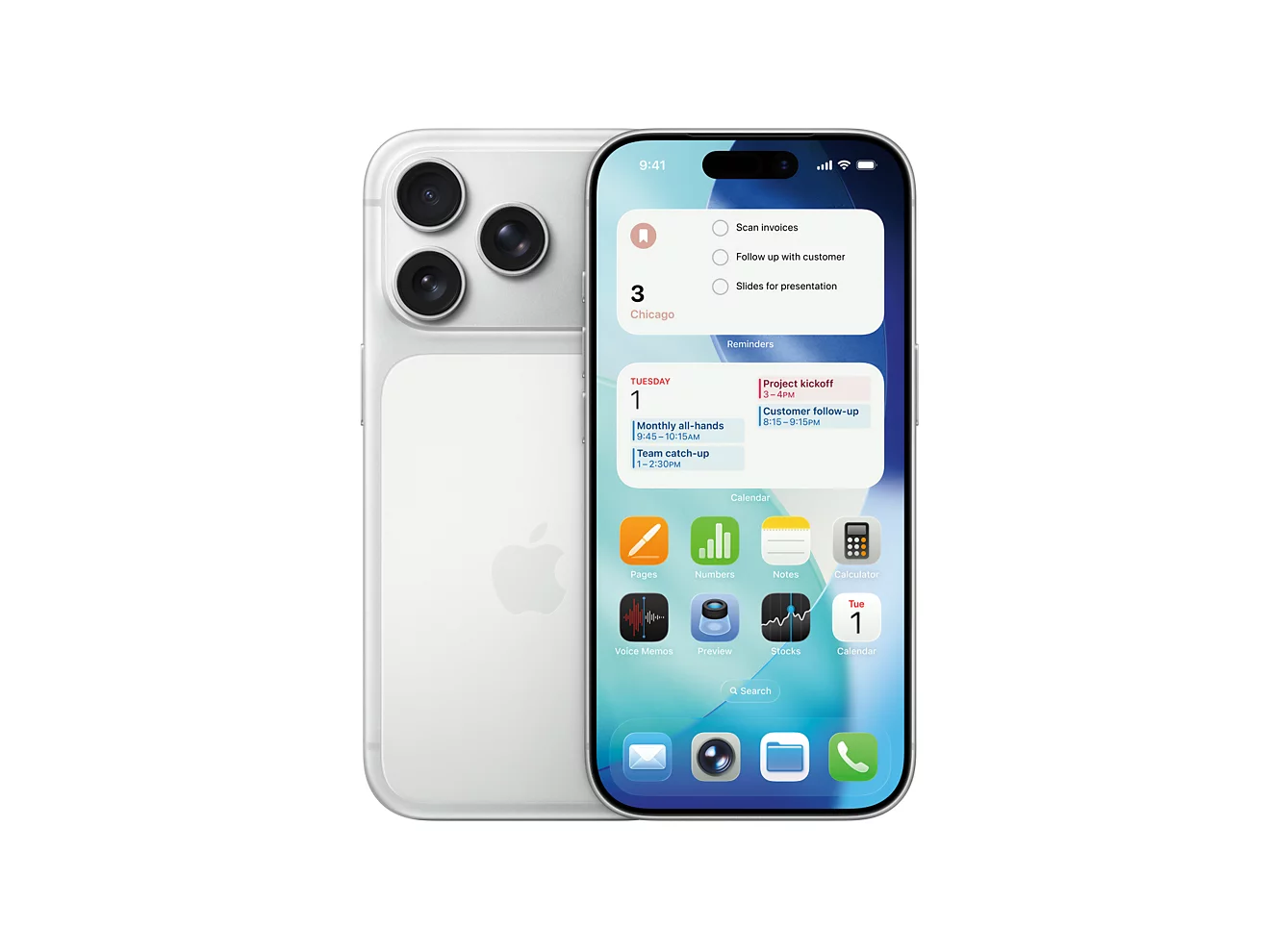
In an age where data breaches and surveillance concerns dominate headlines, the iPhone stands out for its strong emphasis on user privacy and security. Apple’s approach integrates hardware, software, and cloud protections to minimize data collection while empowering users with granular controls. With iOS 26 (and ongoing updates like 26.2 and 26.3), the platform introduces enhanced defenses against tracking, spyware, and unauthorized access, making iPhone privacy and security features more robust than ever.
These protections range from on-device processing for Apple Intelligence to end-to-end encryption across services and advanced anti-fingerprinting in Safari. Whether you are concerned about app tracking, location sharing, or cyber threats, iOS 26 delivers tools that prioritize user control without sacrificing functionality. This guide explains the key features, how they work, and why they matter in 2026.
Why iPhone Privacy and Security Stand Out
Apple designs iOS with a “privacy by design” philosophy. Unlike many platforms that rely heavily on cloud processing and data sharing, iPhone processes much sensitive data on-device. This reduces exposure to external servers and third parties.
Hardware elements like the Secure Enclave protect encryption keys and biometric data. Regular Rapid Security Responses and Background Security Improvements patch vulnerabilities quickly, often without full OS upgrades. In 2026, features combat emerging threats such as mercenary spyware and pervasive fingerprinting.
These iPhone privacy and security features give users transparency, such as App Privacy Reports and permission prompts, fostering trust in daily use.
Core Privacy Features in iOS 26
App Tracking Transparency and Privacy Nutrition Labels
Apps must ask permission before tracking across apps and websites. Most users deny these requests, limiting targeted ads.
Privacy Nutrition Labels in the App Store detail data collection practices, helping informed choices.
On-Device Processing and Private Cloud Compute
Apple Intelligence handles many AI tasks locally, keeping personal data on-device. For complex requests, Private Cloud Compute ensures Apple cannot access user data, with independent audits verifying claims.
Advanced Tracking and Fingerprinting Protection
Safari now applies Advanced Fingerprinting Protection by default across all browsing (previously limited to Private mode). It obscures device signals that trackers use to build unique profiles.
Location Services Controls
Users fine-tune location access per app (Never, Ask Next Time, While Using, Always). Precise Location can be disabled, and Significant Locations data stays encrypted on-device.
System Services like Analytics and Personalized Ads can be turned off entirely.
Stolen Device Protection
When away from familiar locations, this requires Face ID or Touch ID with a security delay for sensitive actions like changing Apple ID password.
Sensitive Content Warnings
FaceTime and Messages detect and blur nude images, protecting against unwanted content.
Call Screening and On-Device Spam Protection
Unknown callers trigger background screening with real-time transcription. Spam detection filters messages and calls on-device.
Key Security Features Protecting Your iPhone
Face ID and Touch ID
Biometric authentication secures the device and apps. Data stays in the Secure Enclave, never sent to Apple.
FileVault-Style Encryption
All data is encrypted at rest with keys tied to your passcode or biometrics.
Secure Boot and Signed System Volume
Prevents tampering during startup. macOS-like protections extend to iOS.
Lockdown Mode
Extreme protection against sophisticated attacks, disabling risky features like message attachments.
Wired Accessories Security
Control USB/Thunderbolt accessories to prevent unauthorized data access (Always Ask, Ask for New, or Auto when Unlocked).
Rapid Security Responses and Background Improvements
Fixes deploy quickly between major updates, addressing zero-days without reboot in many cases.
Comparison Table: Major iPhone Privacy and Security Features in iOS 26
This table summarizes core iPhone privacy and security features for quick reference.
How to Maximize Your iPhone Privacy in 2026
Follow these steps to strengthen protections.
- Go to Settings > Privacy & Security > Tracking and disable “Allow Apps to Request to Track.”
- In Safari > Advanced, ensure Advanced Tracking and Fingerprinting Protection is on for “All Browsing.”
- Review Location Services: Change “Always” to “While Using” or “Never” for non-essential apps.
- Turn off “Share iPhone Analytics” and “Improve Siri & Dictation” in Privacy & Security.
- Enable Stolen Device Protection and Lockdown Mode if facing high-risk threats.
- Use Strong Passcode + Face ID/Touch ID.
- Regularly check App Privacy Report for unusual activity.
- Update to latest iOS (including Background Security Improvements).
These adjustments enhance iPhone privacy and security features without limiting usability.
Frequently Asked Questions
What are the best iPhone privacy and security features in 2026?
Advanced Fingerprinting Protection in Safari, on-device Apple Intelligence processing, Stolen Device Protection, and Call Screening stand out for combating tracking, spyware, and scams.
How does iOS 26 improve privacy over previous versions?
It extends fingerprinting protection to all browsing, adds on-device spam filtering, introduces RCS encryption groundwork, and enhances accessory security controls.
Is iPhone more private than Android in 2026?
iPhone excels with uniform hardware-software integration, on-device processing, and strict App Store vetting. Android varies by manufacturer but offers strong options like GrapheneOS for advanced users.
Should I enable Lockdown Mode on my iPhone?
Only if you face targeted attacks (e.g., journalists, activists). It disables many features for maximum protection but reduces convenience.
How do I check for iPhone security updates in 2026?
Go to Settings > General > Software Update. Enable automatic updates and install Rapid/Background Security Responses promptly.
These questions address common searches for iPhone privacy and security features.
Conclusion: Why iPhone Privacy and Security Features Matter in 2026
Apple continues to lead with iPhone privacy and security features that prioritize user control and on-device protection. From blocking trackers to shielding against sophisticated threats, iOS 26 delivers tools that balance convenience with robust safeguards.
Review your settings regularly, stay updated, and use features like Private Cloud Compute for peace of mind. In a data-driven world, these protections help keep personal information secure while enabling modern functionality.


