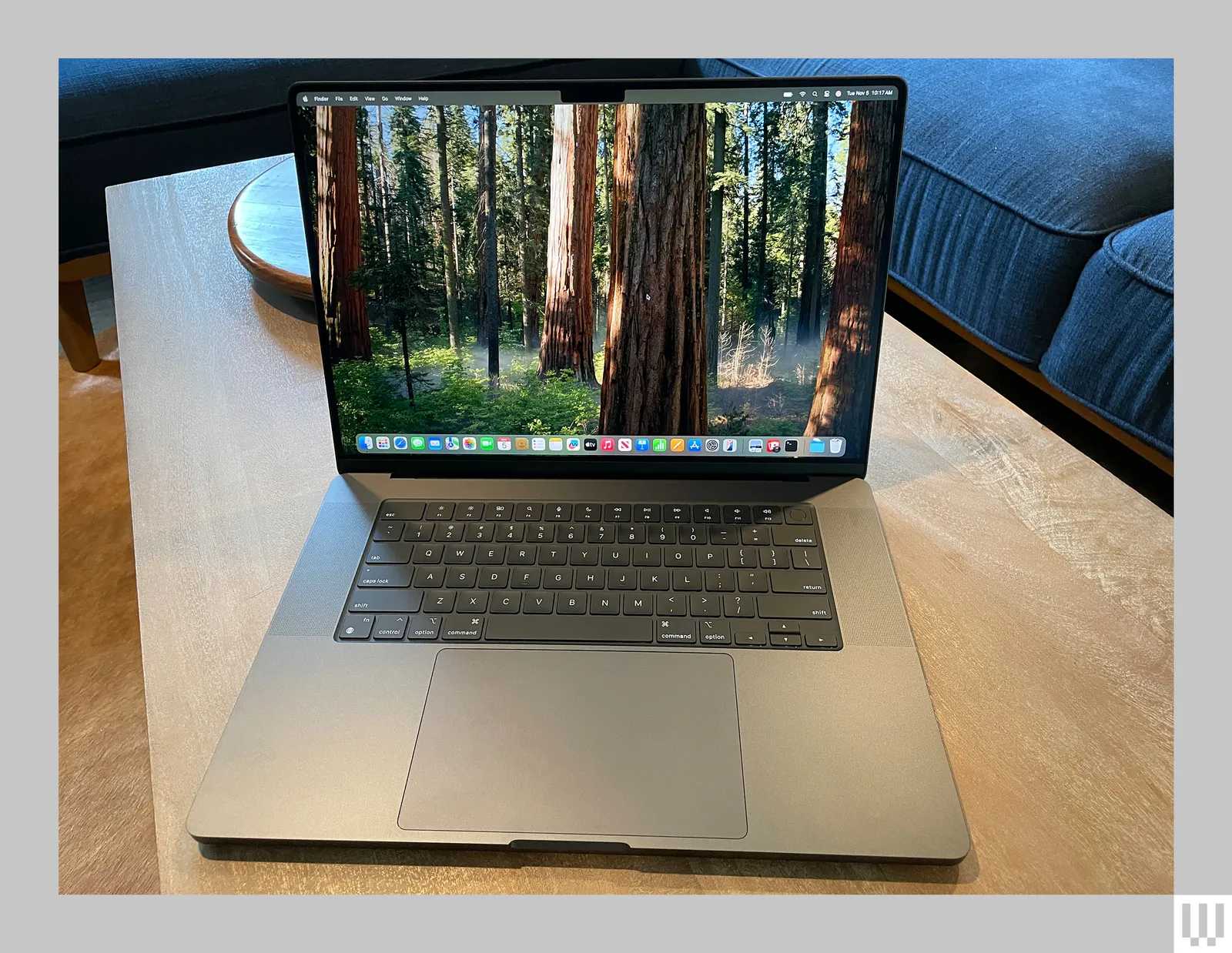
As the new semester approaches, students face the important decision of selecting the right technology to support their academic journey. Apple’s ecosystem offers reliable, long-lasting devices with excellent performance, seamless integration, and student-friendly pricing through education discounts. Whether you need a device for note-taking, research, online classes, essay writing, or creative projects, finding the best Apple device for students can enhance focus, organization, and productivity.
In 2026, Apple’s lineup includes powerful M-series chips across MacBooks and iPads, along with features like Apple Intelligence for smarter note summarization and task management. Education pricing provides meaningful savings, often $100 or more off base models, plus occasional free accessories during back-to-school promotions. This guide compares top options based on real student needs, expert reviews, and current availability to help you choose wisely.
Why Apple Devices Excel for Students
Apple devices stand out for their durability, all-day battery life, and intuitive interfaces that reduce learning curves. macOS and iPadOS support essential apps like Microsoft Office, Google Workspace, Notion, and Canvas without compatibility issues. Features such as Continuity allow seamless handoff between iPhone, iPad, and Mac for quick file transfers and calls.
Battery endurance often lasts through full lecture days and study sessions. High-resolution displays reduce eye strain during extended reading or video lectures. Security tools like Face ID and regular updates protect personal data and assignments.
Many universities recommend or support Apple devices due to their reliability. With education pricing available to verified students, teachers, and parents, these devices become more accessible. For many, the best Apple device for students combines portability, performance, and value.
Key Factors to Consider When Choosing the Best Apple Device for Students
Evaluate these aspects to match your major, budget, and lifestyle.
- Portability and Weight: Lighter devices suit campus commutes and library sessions.
- Battery Life: Aim for 10+ hours to avoid midday charging.
- Performance: M-series chips handle multitasking, virtual classes, and light creative work.
- Display and Input: Larger screens aid reading; stylus support benefits note-takers.
- Storage and RAM: 256GB+ and 16GB+ memory support apps and files.
- Accessories: Keyboards for typing, Pencil for handwriting.
- Price with Education Savings: Check Apple’s education store for discounts.
These priorities guide the search for the best Apple device for students in 2026.
Top Recommended Apple Devices for Students
Apple’s current offerings cater to different needs, from budget-friendly to premium.
MacBook Air (M4, 13-inch): The Best Overall for Most Students
The 13-inch MacBook Air with M4 chip emerges as the top recommendation for general college use. It features a fanless design for silent operation, up to 18 hours of battery life, and a bright Liquid Retina display.
With 16GB unified memory standard in many configs, it handles multiple tabs, Zoom calls, essays in Pages or Word, and light photo editing smoothly. At around $799-$999 with education pricing, it offers excellent value.
Pros:
- Lightweight (under 3 lbs) for easy carrying
- Exceptional keyboard and trackpad for long typing sessions
- Full macOS for desktop apps and multitasking
- Future-proof performance with Apple Intelligence
Cons:
- No touch screen or stylus support
- Base storage starts at 256GB (upgrade recommended)
Ideal for most majors, including business, humanities, and computer science, this model frequently tops lists as the best Apple device for students.
iPad Air (M3 or M4, 11-inch): Versatile Tablet for Note-Taking and Creativity
The 11-inch iPad Air stands out for students who prefer touch interaction and handwriting. Paired with Apple Pencil Pro and Magic Keyboard, it transforms into a portable notebook or laptop alternative.
It supports Stage Manager for multitasking and runs optimized apps like GoodNotes, Notability, and Procreate. Battery life reaches 10+ hours, and the Liquid Retina display excels for textbooks and videos.
Pros:
- Touch and Pencil input for annotations and diagrams
- Lightweight and portable for classes
- Great for art, design, or STEM sketching
- Affordable starting around $549 with education savings
Cons:
- iPadOS limits some desktop workflows
- Keyboard add-on increases cost
Perfect for visual learners or those in education, nursing, or engineering fields.
MacBook Air (M4, 15-inch): Larger Screen for Productivity
For students who want more screen space without Pro pricing, the 15-inch MacBook Air delivers. It offers the same M4 performance with a bigger display for split-screen work, research, and multitasking.
Pros:
- Roomier workspace for documents and spreadsheets
- Still portable at around 3.3 lbs
- Strong battery and silent operation
Cons:
- Slightly heavier than 13-inch
- Higher starting price
A strong upgrade for those prioritizing screen real estate.
iPad (A16, 11th Gen): Best Budget Option
The entry-level iPad provides solid performance for basic needs like browsing, streaming lectures, and simple note-taking. It supports Apple Pencil (USB-C) and works well with budget keyboards.
Pros:
- Lowest price with education savings (around $329+)
- Sufficient for high school or light college use
- Colorful and durable
Cons:
- Less powerful for heavy multitasking
- Standard display
Great starter device or secondary tool.
iPad Pro (M5, 11-inch): Premium Power for Demanding Majors
For architecture, film, or advanced design students, the iPad Pro with M5 chip and OLED display offers unmatched performance and accessories compatibility.
Pros:
- Superior display and power
- Ideal for pro apps and rendering
Cons:
- Expensive
- Overkill for most
Reserve for specialized needs.
Comparison Table: Best Apple Devices for Students in 2026
This table helps narrow down the best Apple device for students based on priorities.
Frequently Asked Questions
What is the best Apple device for students in 2026?
The 13-inch MacBook Air with M4 chip offers the best balance of performance, portability, battery life, and price for most college students handling essays, research, and online classes.
Is an iPad better than a MacBook for students?
It depends. Choose iPad Air for touch-based note-taking and portability. Opt for MacBook Air if you need full desktop apps, better typing, and multitasking without accessories.
How much can students save with Apple education pricing?
Typically $100+ off Macs and iPads, plus occasional free accessories like AirPods during promotions. Verify eligibility on Apple’s education store.
Should high school students get an iPad or MacBook?
For most, the base iPad suffices for lighter tasks. Upgrade to MacBook Air for advanced high school or college prep work.
Do Apple devices last through college?
Yes, with 5-7 years of updates, durable builds, and strong resale value, they often outlast a degree.
These questions address common student concerns for better search visibility.
Conclusion: Selecting the Best Apple Device for Students
The best Apple device for students in 2026 is the MacBook Air 13-inch (M4) for its versatility and value in everyday academic life. For creative or note-heavy workflows, the iPad Air shines. Budget-conscious students thrive with the entry-level iPad.
Leverage Apple’s education store for savings and check current promotions. Invest in a device that matches your study habits for better organization, efficiency, and success throughout your education.


